![[19.0] Contacts Route Planner with Mapbox](/web/image/product.product/30/image_1024/%5B19.0%5D%20Contacts%20Route%20Planner%20with%20Mapbox?unique=7471b30)
![[19.0] Contacts Route Planner with Mapbox](/web/image/product.product/30/image_128/%5B19.0%5D%20Contacts%20Route%20Planner%20with%20Mapbox?unique=7471b30)
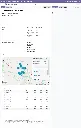
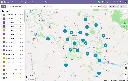
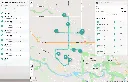
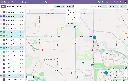
Geolocate Map View
Coordinate-Based Mapping
Display any Odoo model with latitude and longitude fields as point markers — no GeoJSON conversion needed.Smart Overlap Handling
Markers at the same location are automatically spread in a ~10 meter circular pattern so every record stays individually clickable.Connection Lines
Dotted lines link distributed markers back to their shared location at zoom level 17+; line color matches the marker's stroke color.Shifted Marker Indicator
A blue info icon in the popup of any offset marker, with a tooltip explaining the shift and pointing to the original location.Optional Heatmap Layer
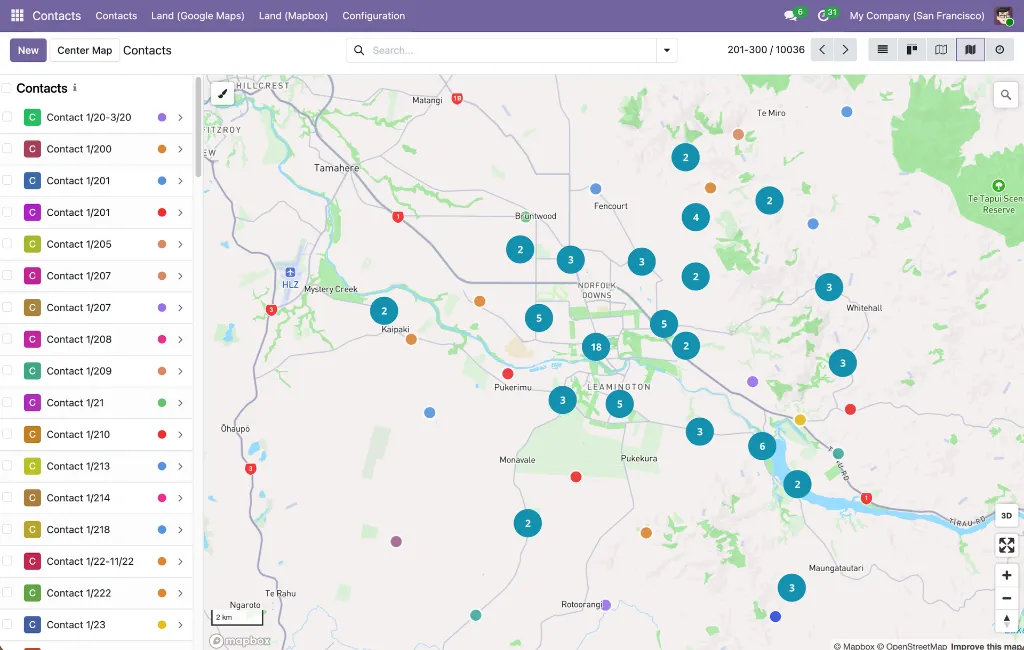
Visualize point density at zoom levels 0–9, fading out as you zoom in (mutually exclusive with clustering)Optional Clustering Layer
Groups markers into numbered clusters up to zoom 14; clusters are color- and size-coded by record count (blue <100, yellow 100–750, pink 750+)Box-Zoom Selection
Hold Shift and drag a rectangle to select every marker within it — including individual records inside visible clusters (up to 100 per cluster)Shift+Click Selection
Toggle markers in and out of the current selection directly on the map, without opening the record.Color-Coded Markers
Style markers using Odoo color index integers, named colors, or hex codes via a configurable field.Human-Readable Coordinates
Coordinates displayed with N/S/E/W indicators and 6-decimal precision (~0.11 m) in popups and the sidebar.Declarative XML Configuration
Define new map views with a simple <mapbox_gl js_class="mapbox_gl_geolocate" lat_field="..." lng_field="..."> block; install-time validation catches missing field declarations.Perfomance Optimized
Batch marker processing (100/batch), throttled mouse events (100 ms), and debounced map operations for smooth interaction with thousands of records.
Route Creation From Contacts
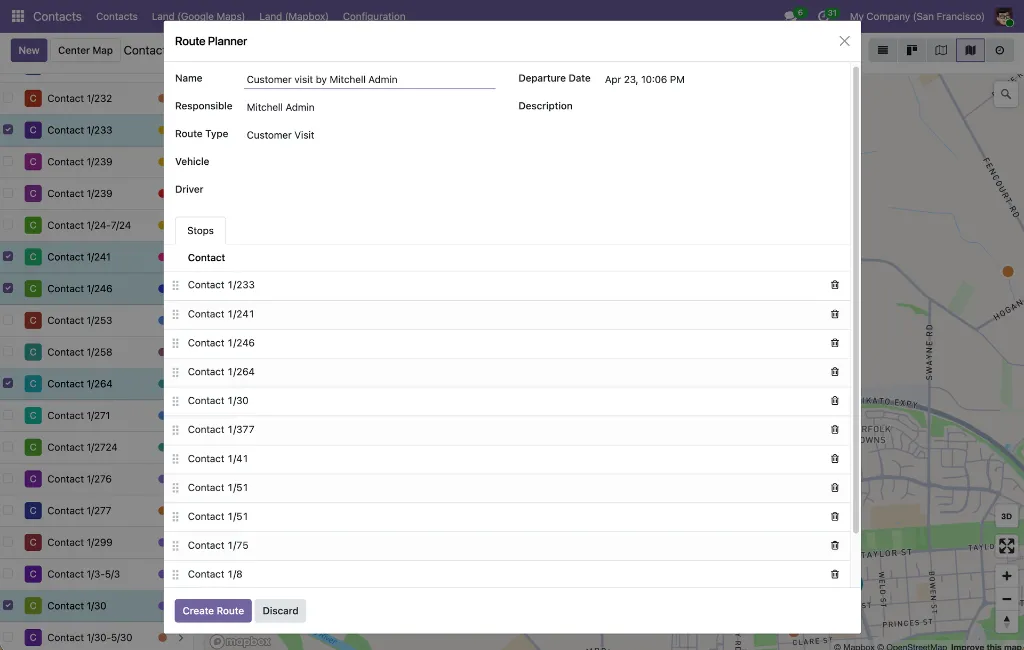
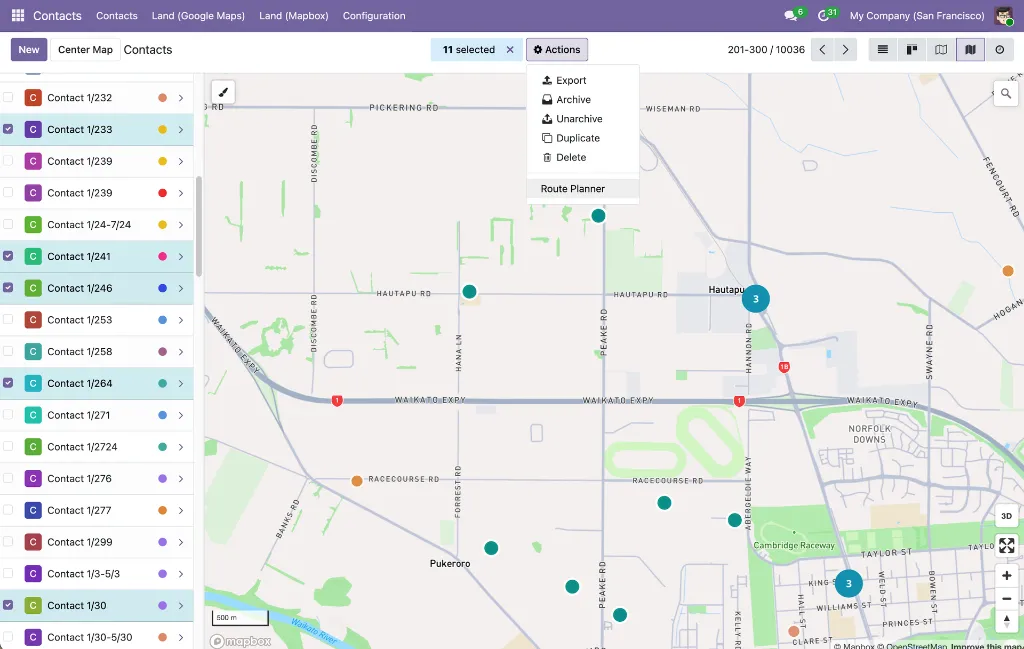
Route Planner Action
A dedicated action on the Contacts list and map views that opens a wizard pre-populated with the selected contacts as waypoints.Preserved Selection Order
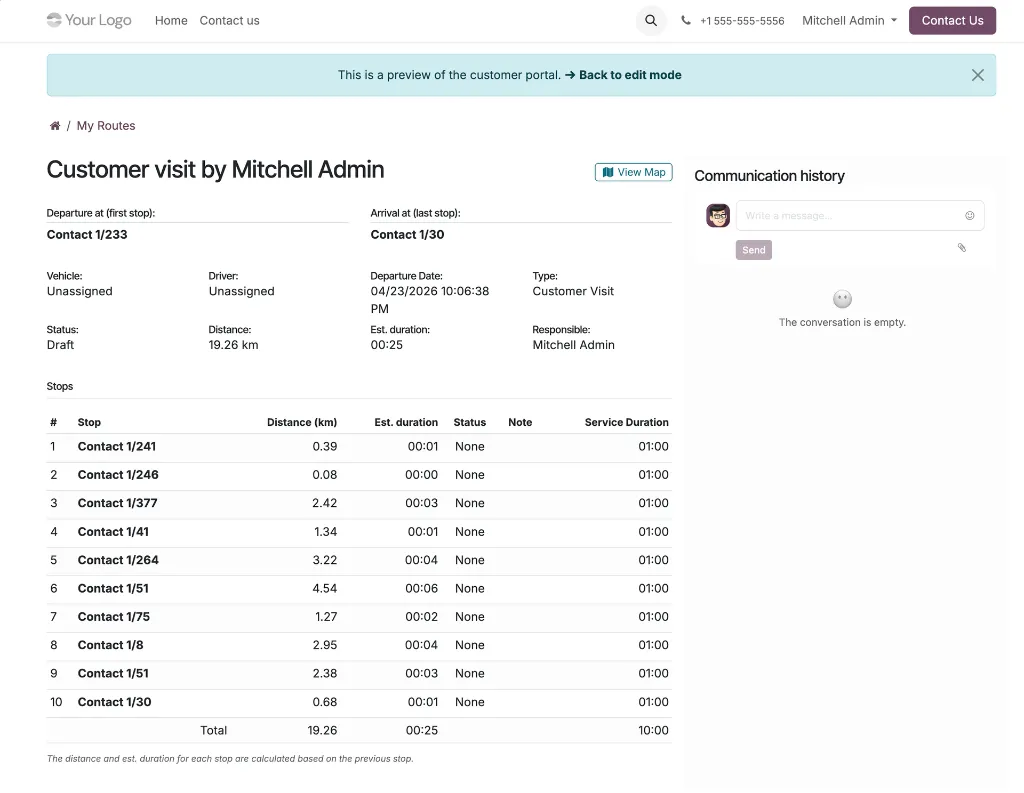
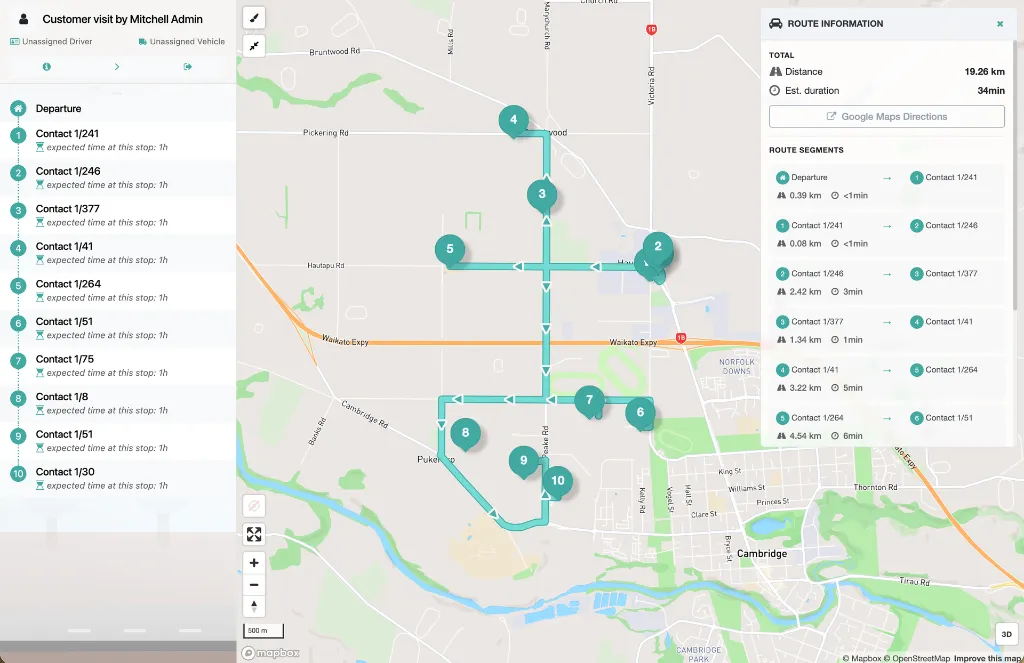
Contacts are added in the order they were selected; the first contact becomes the departure point, and the rest become the ordered stops.Customer Visit Route Type
Routes are automatically typed as "Customer Visit" with a default service duration of 30 minutes per stop; vehicle, driver, and departure date are all optional at confirmation.Directions API Routing
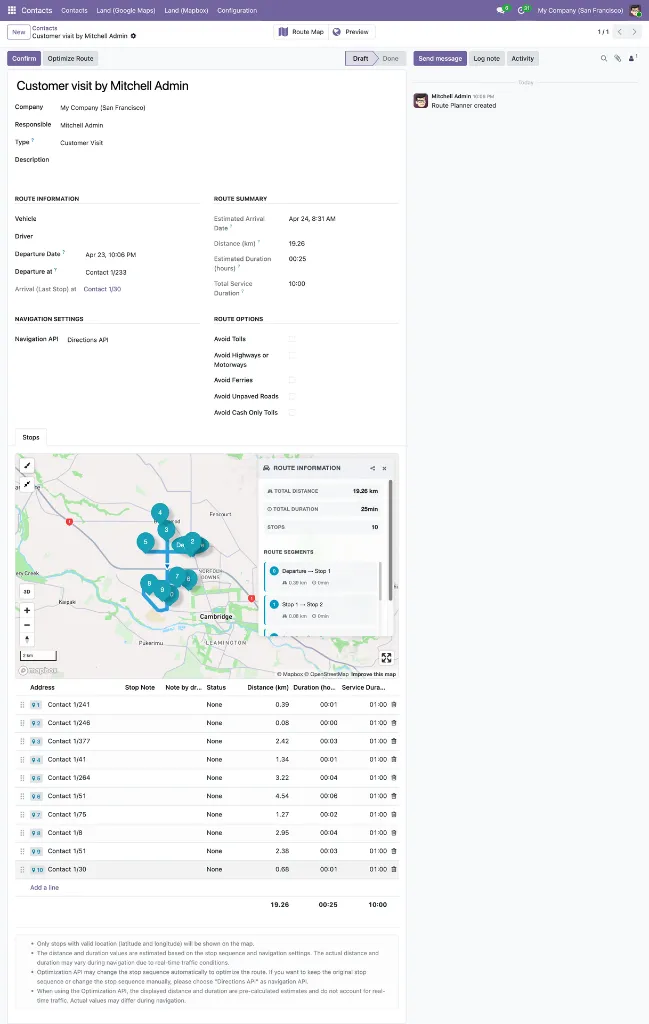
The wizard sets the navigation API to Directions, so the stop order as arranged by the user is preserved — no automatic reordering.Reorderable Waypoints
Drag-and-drop the wizard's stops list to fine-tune the sequence before creating the route.Smart Default Route Details
Route name defaults to "Customer visit by {current user}"; departure date defaults to now. Responsible, vehicle, driver, and description can all be set upfront in the wizard.Geolocation Validation Warning
An orange warning banner surfaces contacts with missing or duplicate coordinates, listed by name, and blocks route creation until the data is corrected.Minimum & Maximum Stop Enforcement
At least 2 waypoints required; maximum 25 to match the Mapbox API limit, each with clear error messages.Geolocated Contacts Only
The stop contact field in the wizard is filtered to only partners with non-zero latitude and longitude.Access Controlled
The Route Planner action is visible only in list and map views, and only to users with the Route Planner User role or higher.