![[19.0] Project Google Maps](/web/image/product.product/29/image_1024/%5B19.0%5D%20Project%20Google%20Maps?unique=22f3d05)
![[19.0] Project Google Maps](/web/image/product.product/29/image_128/%5B19.0%5D%20Project%20Google%20Maps?unique=22f3d05)

WHO IT'S FOR
Construction & civil worksField serviceInfrastructure maintenanceSite-based operations
Designed for teams who manage work across multiple physical locations -- where knowing the status of each site at a glance directly affects decisions and resource allocation.
PROBLEMS IT SOLVES
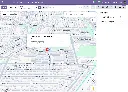
Google Maps satellite imagery for site work
Google Map's satellite view, global coverage, and familiar interface give field teams an accurate, real-world picture of every site location directly inside Odoo.
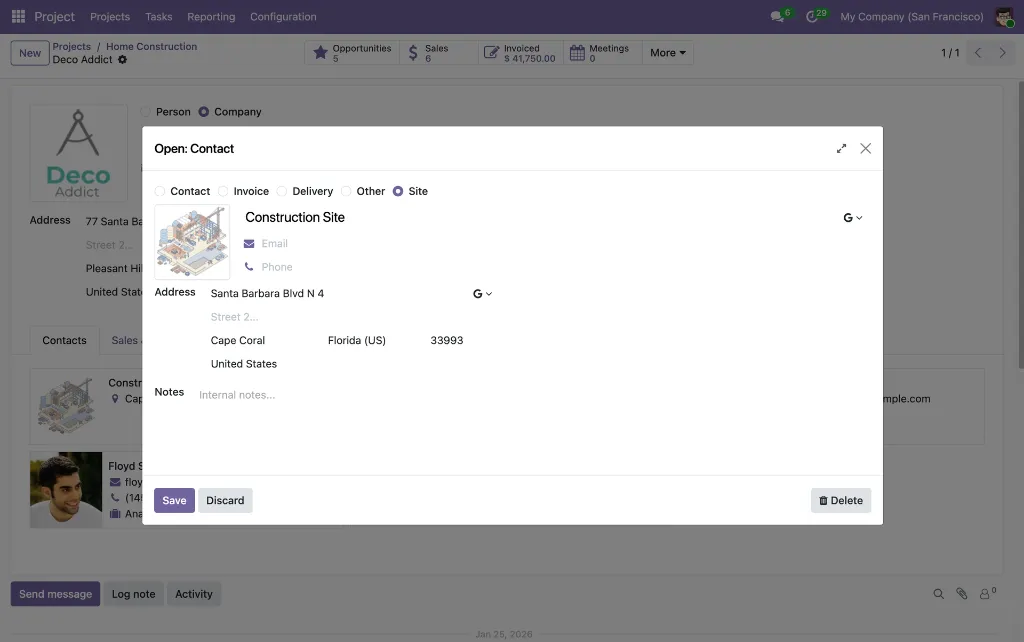
Site address mixed with billing address
Odoo's default project fields don't distinguish between where work happens and who the customer is -- making site tracking imprecise.
Status buried inside each project
Health status is only visible when you open a project individually. There's no way to access the whole portfolio at once.
Task lack their own location
Tasks within a project often happen at different locations, but there's no built-in way to track that independently per task.
PROJECTS
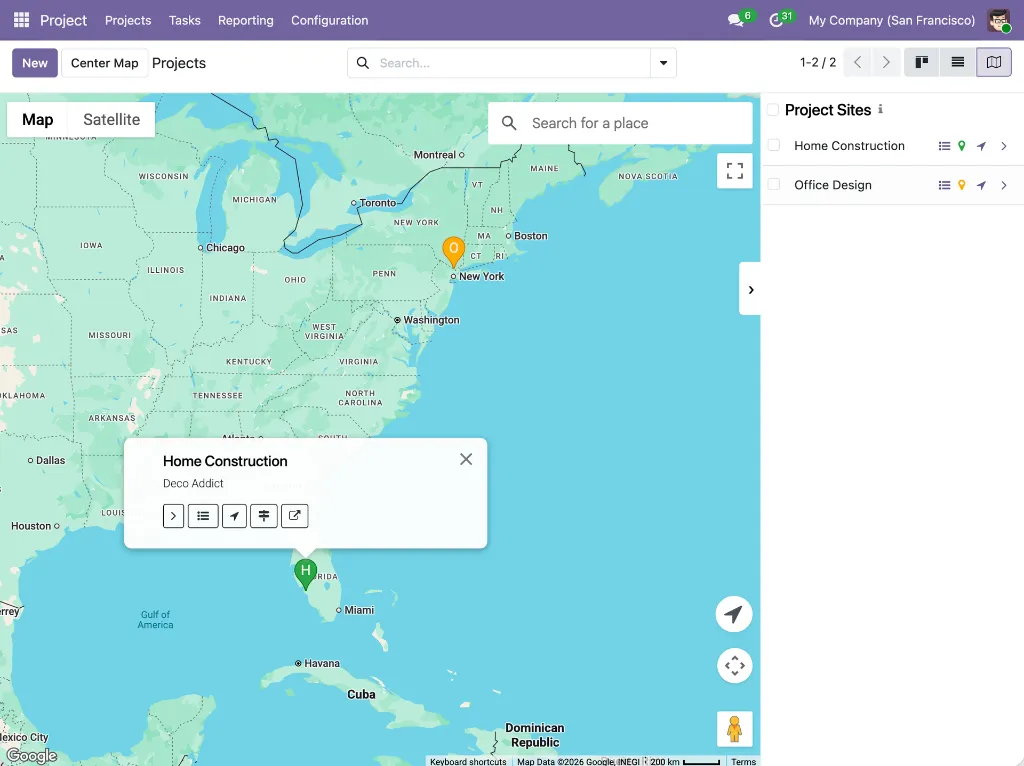
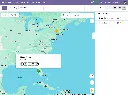
Google Maps view
Show each project as a marker at its site location from the projects list
Status-colored markers
Marker color is automatically computed from the project's last health status update
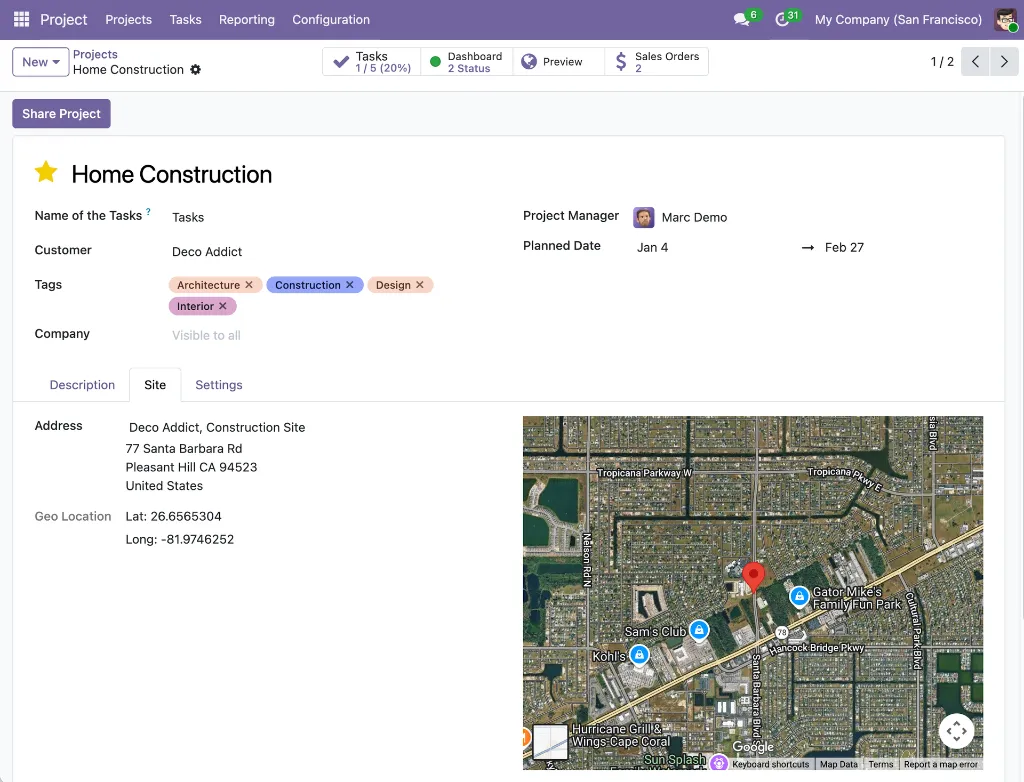
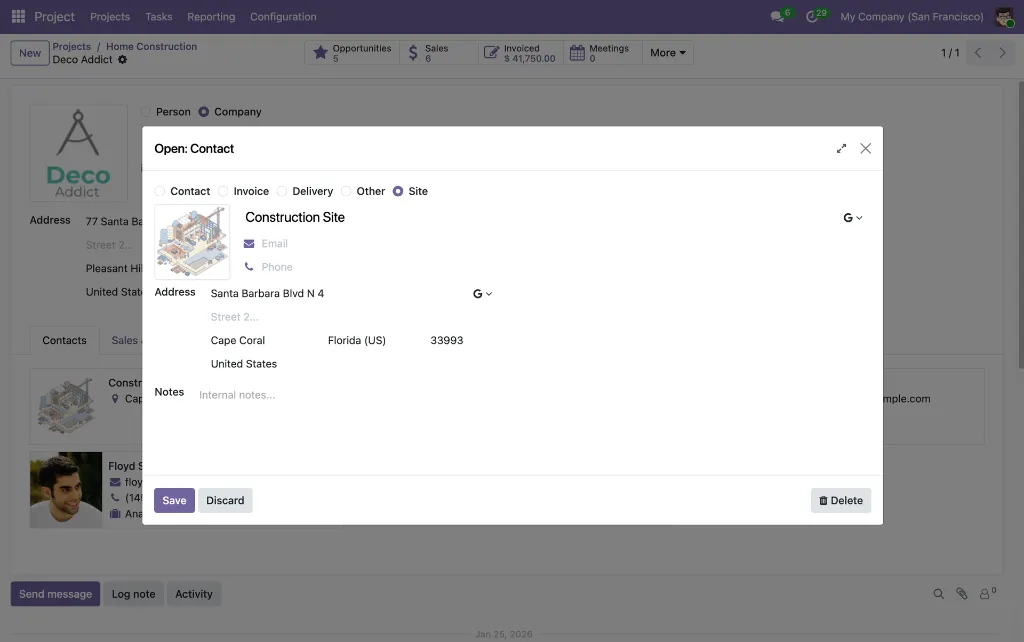
Site address field
A dedicated site tab on the project form for linking a physical site address
Embedded satellite map
The Site tab displays a satellite map of the selected location directly on the form
Quick task access
"View Tasks" button in the marker popup or in the sidebar opens the task list for that project
TASKS
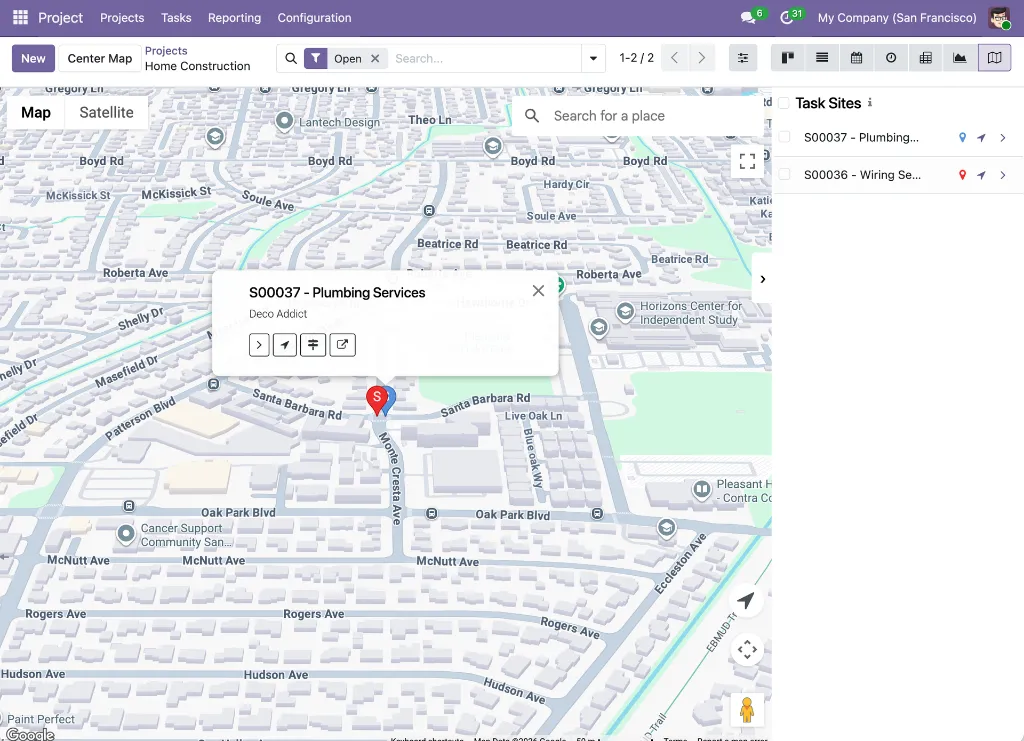
Google Maps view
Shows tasks as markers at their site locations within a project's task list
Custom marker color
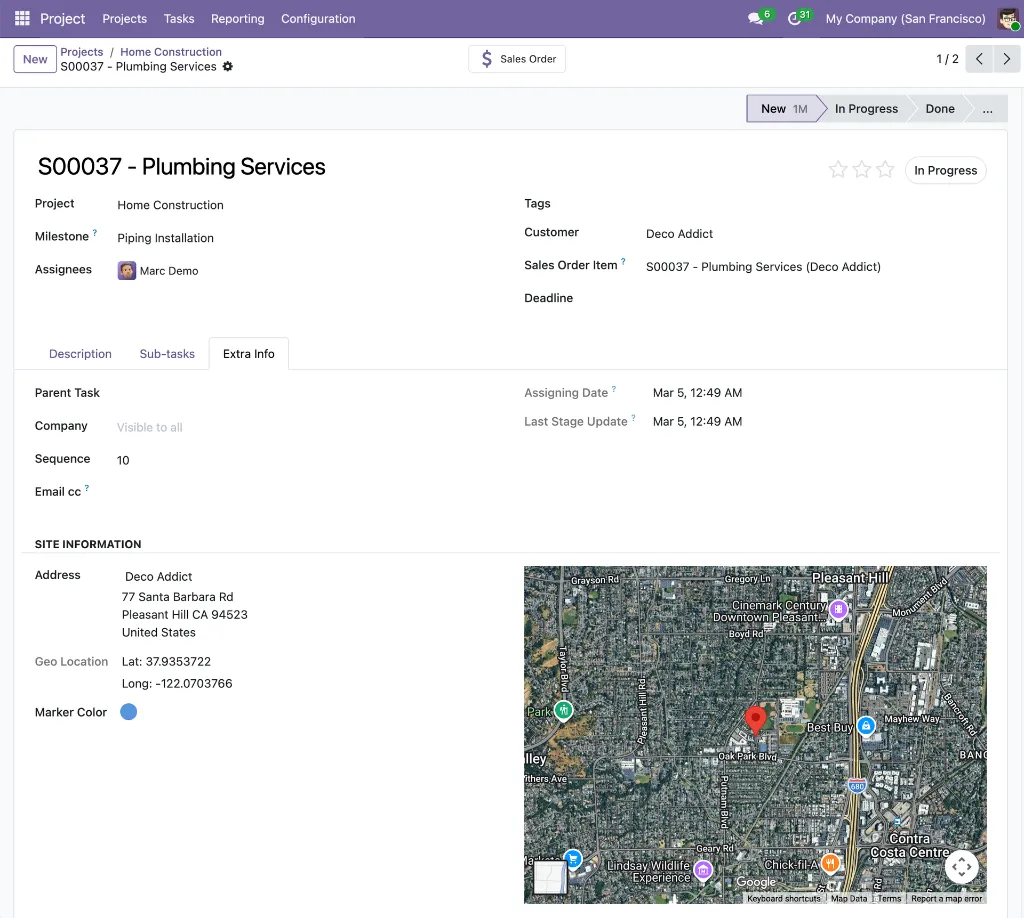
Each task can have its own marker color set via a color picker on the task form
Site Information
Site address, coordinates, and embedded satellite map under Extra Info -> Site Information.