![[v19.0] Bundle of Google Maps Addons](/web/image/product.product/23/image_1024/%5Bv19.0%5D%20Bundle%20of%20Google%20Maps%20Addons?unique=ba30df7)
![[v19.0] Bundle of Google Maps Addons](/web/image/product.product/23/image_128/%5Bv19.0%5D%20Bundle%20of%20Google%20Maps%20Addons?unique=ba30df7)

Foundation Layer - Shared Infrastructure
MODULE 01 - FOUNDATION
Base Google Map
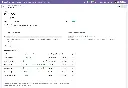
The root of the entire suite. Centralizes Google Maps API key and Map ID configuration in Settings, provides the shared JavaScript API loader with retry logic and library caching, and supplies the base OWL map component that all Google Maps views inherit — including error handling, offline detection, resize awareness, and accessibility (ARIA) support.
Module dependencies: web base_geolocalize
Why It Exists
Without a single configuration point, every module would manage its own API key and loader — creating conflicts, duplication, and inconsistent error handling. This module ensures the Google Maps API is loaded once, correctly, for every module in the suite.
MODULE 02 - FOUNDATION
Web View Google Map
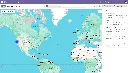
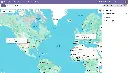
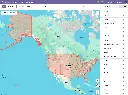
Registers google_map as a first-class Odoo view type — the core framework used by every Google Maps view in the suite. Provides record markers, a synchronized sidebar, marker clustering, overlap handling, multi-selection (box-select), in-map place search, geolocation button, nearby-records search, bulk record actions, embedded map widgets for form views, and full dark mode support.
Module dependencies: base_google_map
Why It Exists
Any Odoo model with latitude and longitude fields can gain a fully featured interactive map view simply by adding google_map to its action's view_mode. This module provides all the rendering, interaction, and UX infrastructure so application modules don't need to build any of it themselves.
MODULE 03 - FOUNDATION
Web Widget Google Map
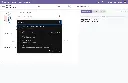
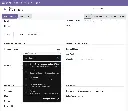
Provides a google_map form widget that embeds a Google Maps preview directly inside any Odoo form view. An edit button opens an interactive dialog with a draggable marker and a place search box, letting users set or refine coordinates visually before writing them back to the record.
Module dependencies: base_google_map web_view_google_map
Why It Exists
Form views need a compact, read-safe map preview and a precise coordinate editor without requiring users to navigate away. This widget provides both in a single reusable component, used by the Contacts, CRM, and Projects form views throughout the suite.
MODULE 04 - FOUNDATION
Web Widget Google Place Autocomplete
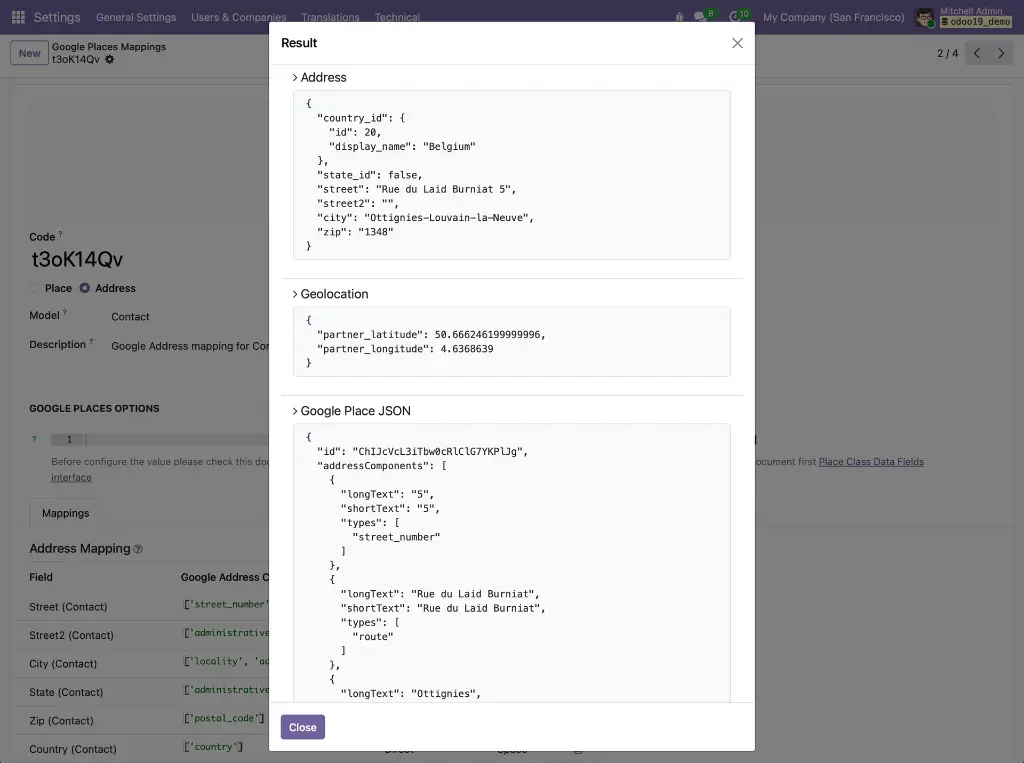
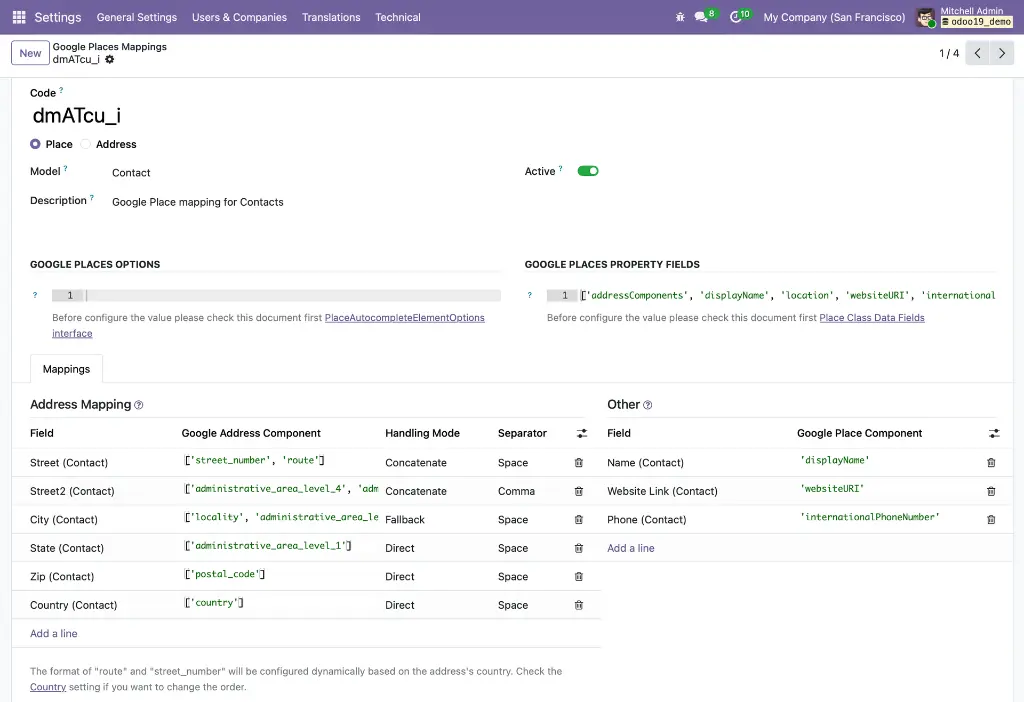
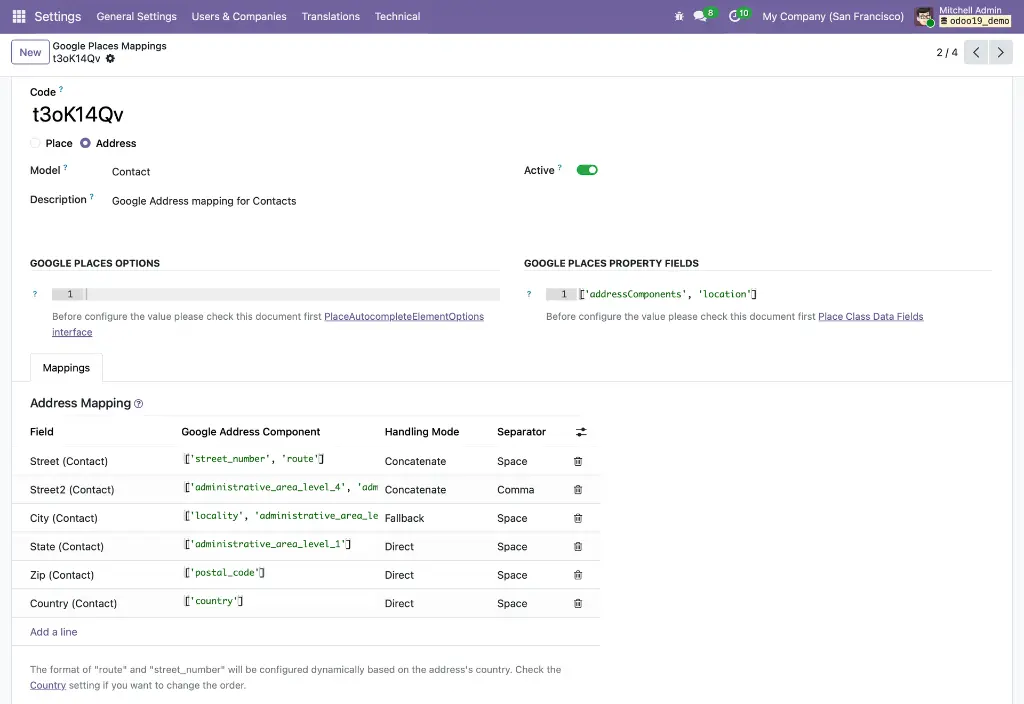
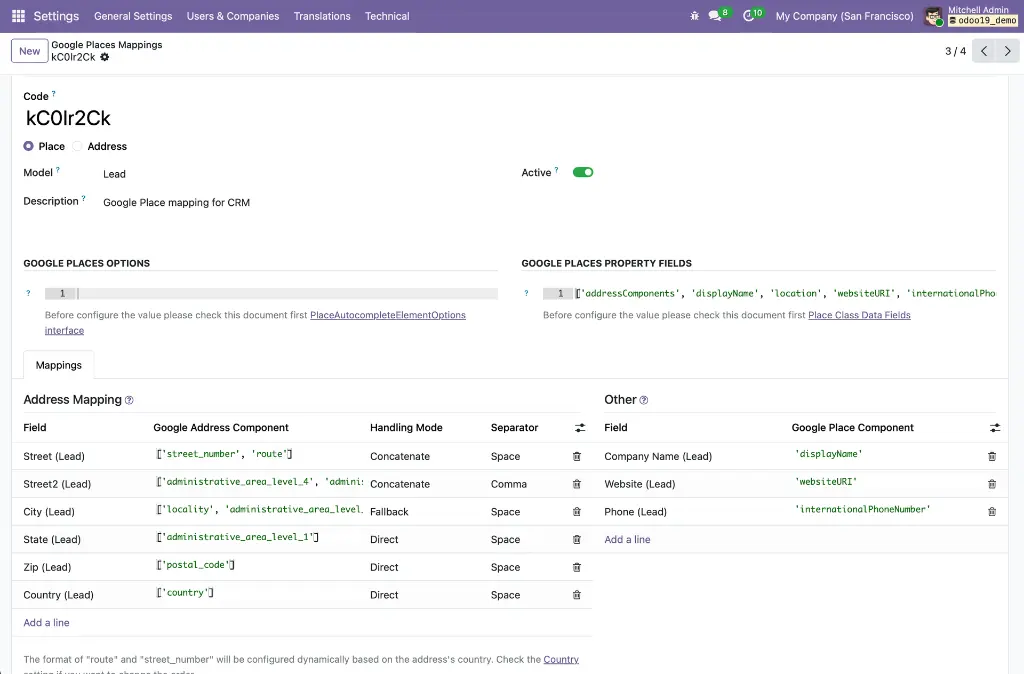
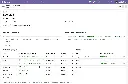
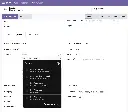
Provides the gplace_autocomplete_el widget and the Google Places Mapping configuration system. A fully data-driven engine that connects the Google Places API (New) to any field on any Odoo model — mapping address components, coordinates, phone, website, and any other place data to the correct model fields in a single atomic write. Includes a built-in live test tool so administrators can verify mappings before deploying.
Module dependencies: base_google_map
Why It Exists
Autocomplete needs to work differently for every model — contacts use res.partner fields, leads use crm.lead fields, and street format varies by country. The mapping configuration system decouples the widget from hardcoded field names, making it universally reusable without code changes.
MODULE 05 - FOUNDATION
Base Google Maps: Add Place from Map Click
Abstract foundation for the click-to-create workflow. Provides a model mixin (google_map.add_place.mixin) with all the logic for fetching Google Place details, parsing addresses via the ADR microformat and a locale-aware reverse-geocoding parser, detecting duplicates via a stored gplace_id, and opening a pre-populated quick-create form. Also provides the visual zoom indicator UI component shared across all click-to-create implementations.
Module dependencies: web_view_google_map
Why It Exists
The click-to-create logic is identical whether you're creating a contact or a CRM lead — only the field mappings differ. Keeping the core in one abstract module means all application implementations share a single, well-tested code path.
MODULE 06 - FOUNDATION
Web View Google Maps Drawing
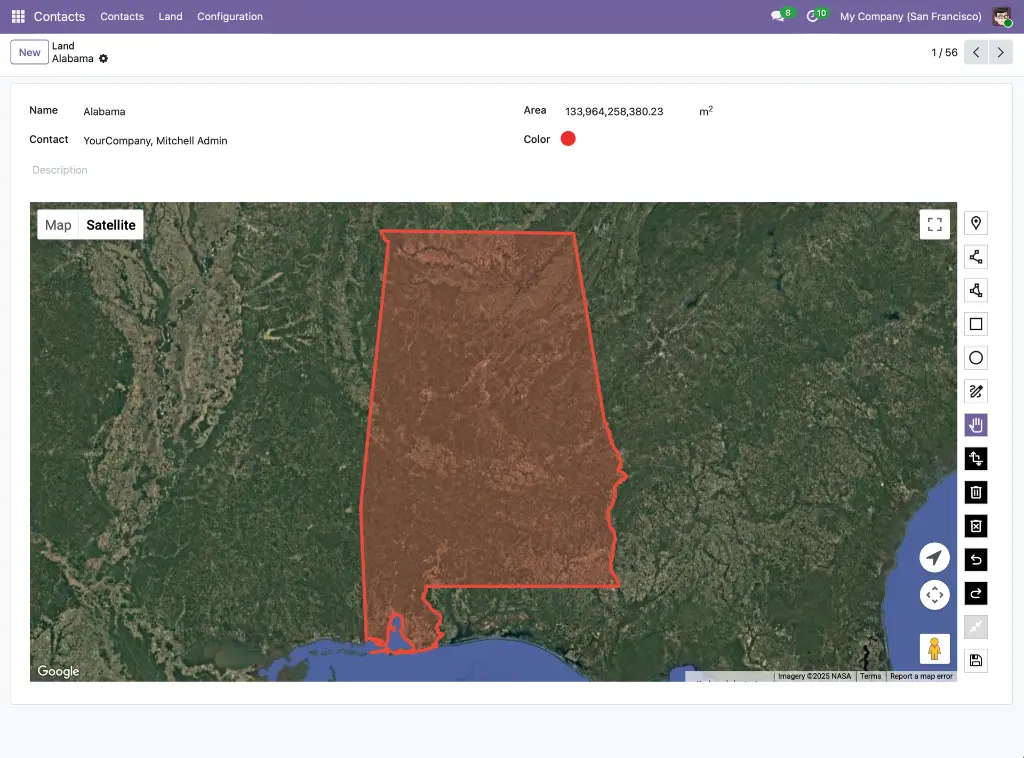
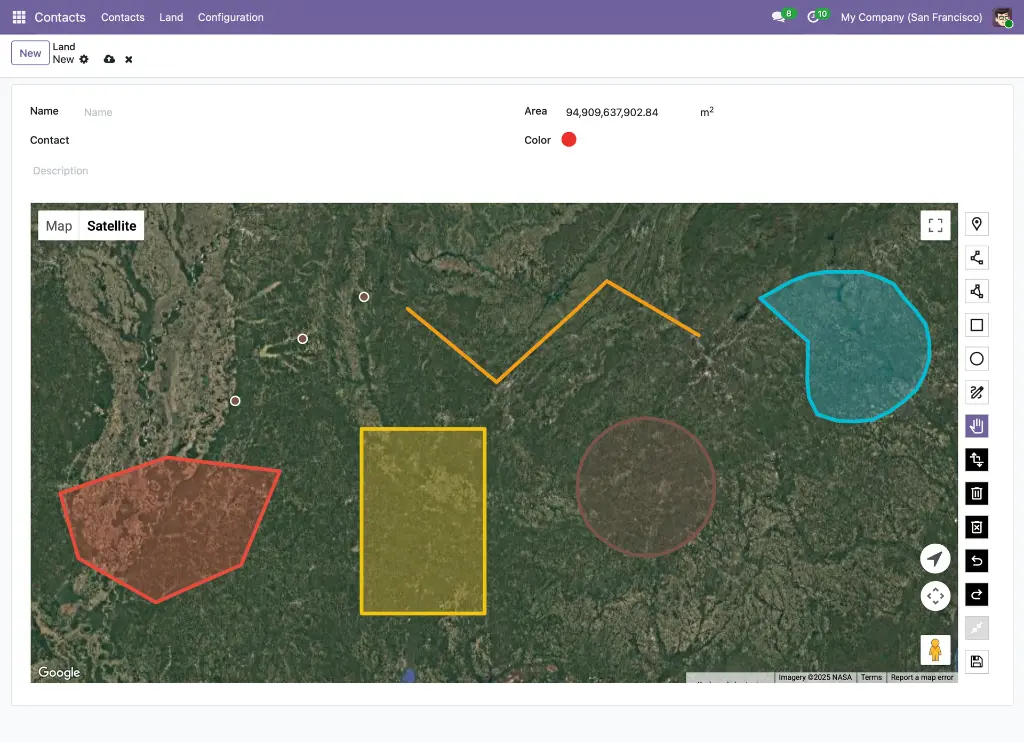
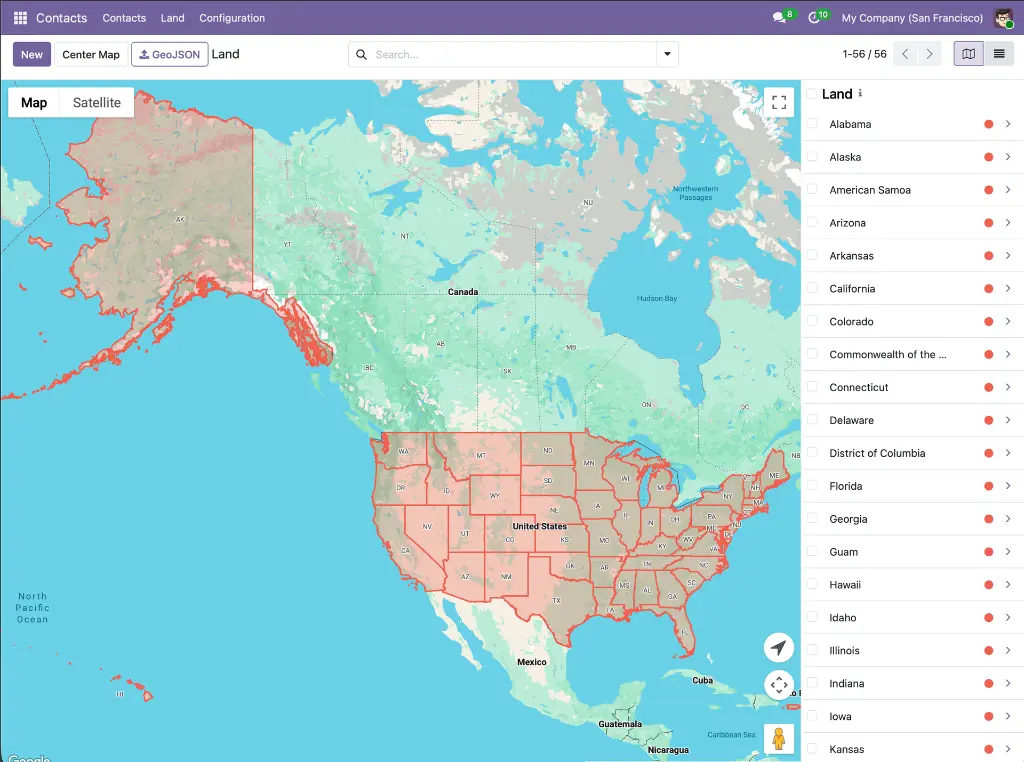
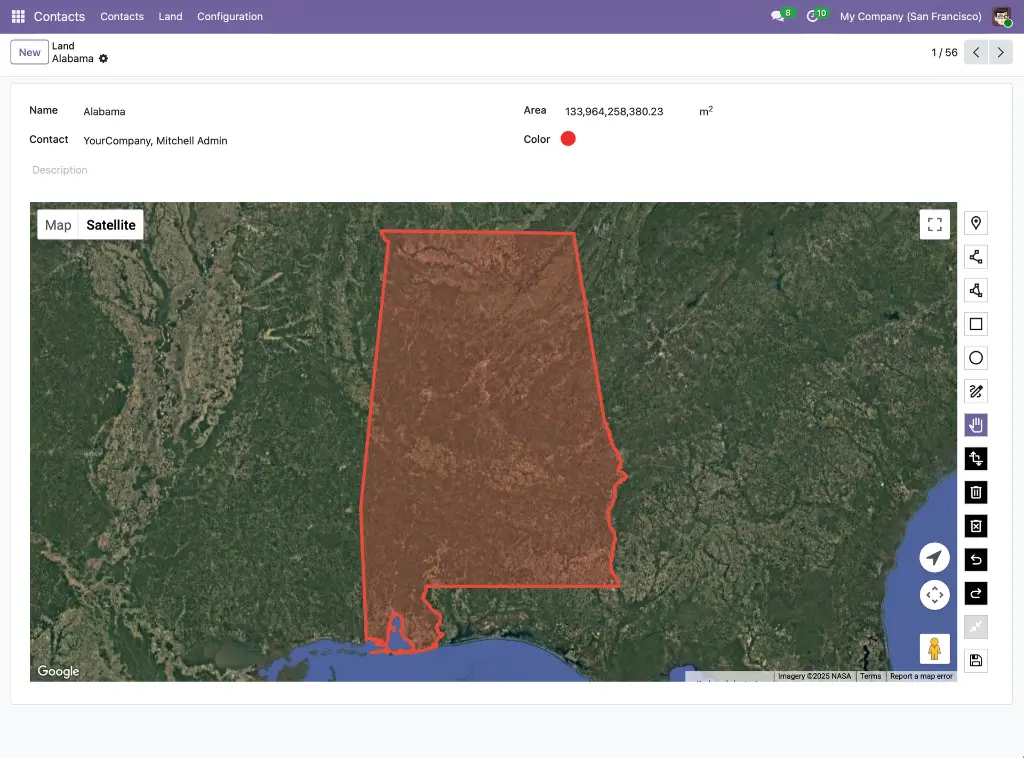
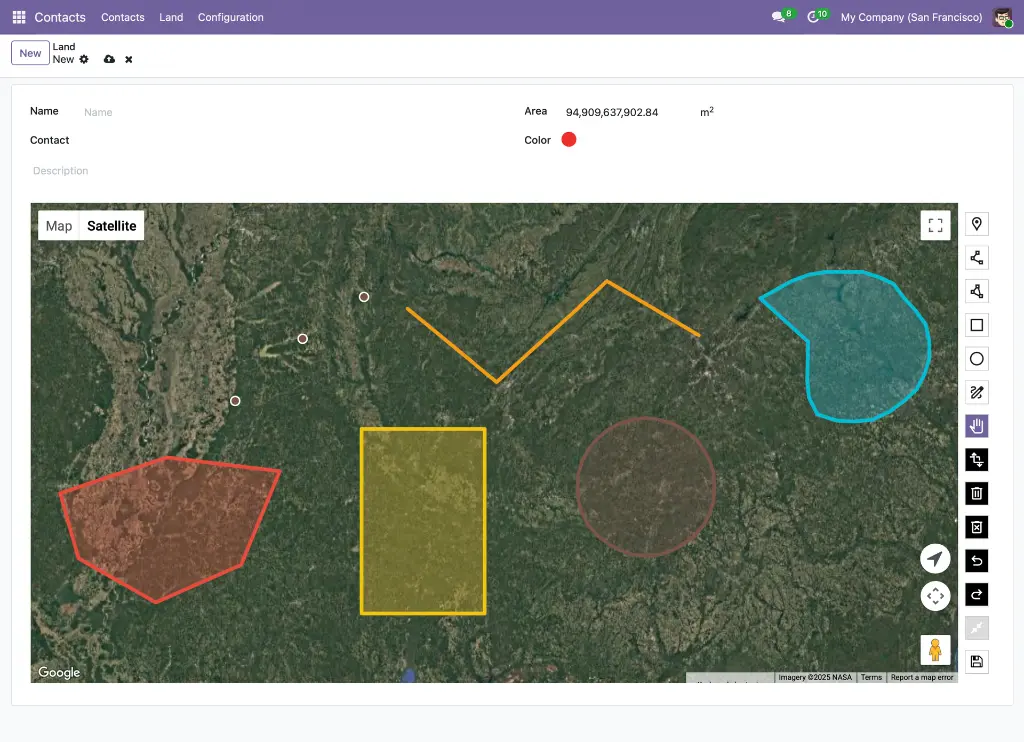
Extends the Google Map view with full GIS-style drawing capabilities. Seven drawing modes (Point, LineString, Polygon, Rectangle, Circle, Freehand, Select), GeoJSON storage with custom PostgreSQL JSONB operators, real-time area and perimeter measurements via Turf.js, import/export of .geojson files, and geometry simplification using the Douglas-Peucker algorithm. Automatically switches between Terra Draw (editable) and Deck.gl (GPU-accelerated, read-only) based on dataset complexity.
Module dependencies: web_view_google_map
Why It Exists
Google's built-in Maps Drawing Library was deprecated in August 2025. This module replaces it with Terra Draw — Google's own recommended alternative — and adds Deck.gl for datasets too large for browser-based editing, making geographic shape management production-ready at any scale.
Application Layer -- App-Specific Integrations
MODULE 07 - APPLICATION
Contact Google Map
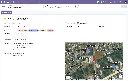
Adds a Google Map view to the Contacts application, plotting every contact as a color-coded pin at their stored coordinates. Includes contact avatar display in markers and sidebar, a per-contact marker color picker, a "Nearby Contacts" smart button on the contact form and an embedded map widget on the Geolocation tab.
Module dependencies: contacts web_view_google_map web_widget_google_map
Why It Exists
Sales and field teams need to see their contact database geographically — not just as a scrollable list. This module makes that possible with zero additional configuration beyond a valid API key.
MODULE 08 - APPLICATION
Contacts Google Autocomplete
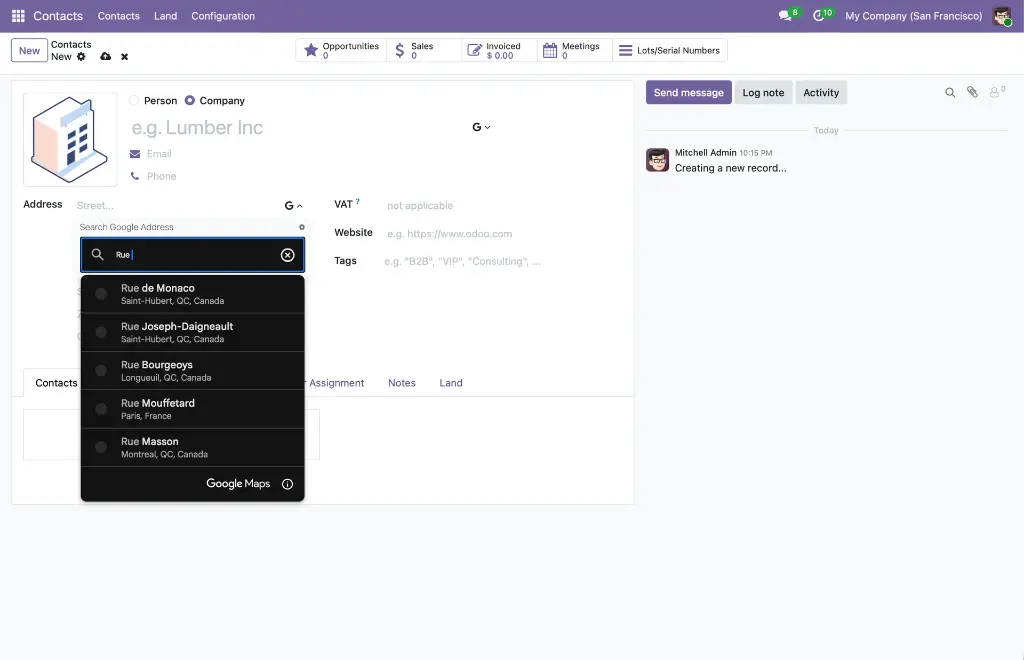
Replaces the standard name and street inputs on the Contact form with Google Places autocomplete fields. Selecting a suggestion auto-fills the full address (street, city, state, zip, country), geolocation (latitude, longitude), phone, and website in a single operation. Works in both the main contact form and inline child-contact sub-forms. Field mappings are configured automatically on install — no manual setup required.
Module dependencies: contacts web_widget_google_place_autocomplete
Why It Exists
Manual address entry is slow and error-prone. This module eliminates it for contacts by turning every name and street field into a live Google Places lookup that populates all related fields automatically.
MODULE 09 - APPLICATION
Contacts Google Maps: Click to Add Place
Activates the click-to-create workflow on the Contacts Google Maps view. Zoom in, click any named business or empty location on the map, and a pre-populated contact form opens instantly. Named places fetch name, address, phone, website, and coordinates from the Places API. Empty locations are reverse-geocoded. Duplicate detection prevents creating a second contact for the same Google Place ID. The map refreshes automatically after saving.
Module dependencies: web_view_google_map base_google_map_add_place contacts_google_map
Why It Exists
Creating a contact for a business you can see on the map should take one click, not a manual data-entry session. This module makes that possible for any named place or physical location in Google's database.
MODULE 10 - APPLICATION
Partner Autocomplete with Google Autocomplete
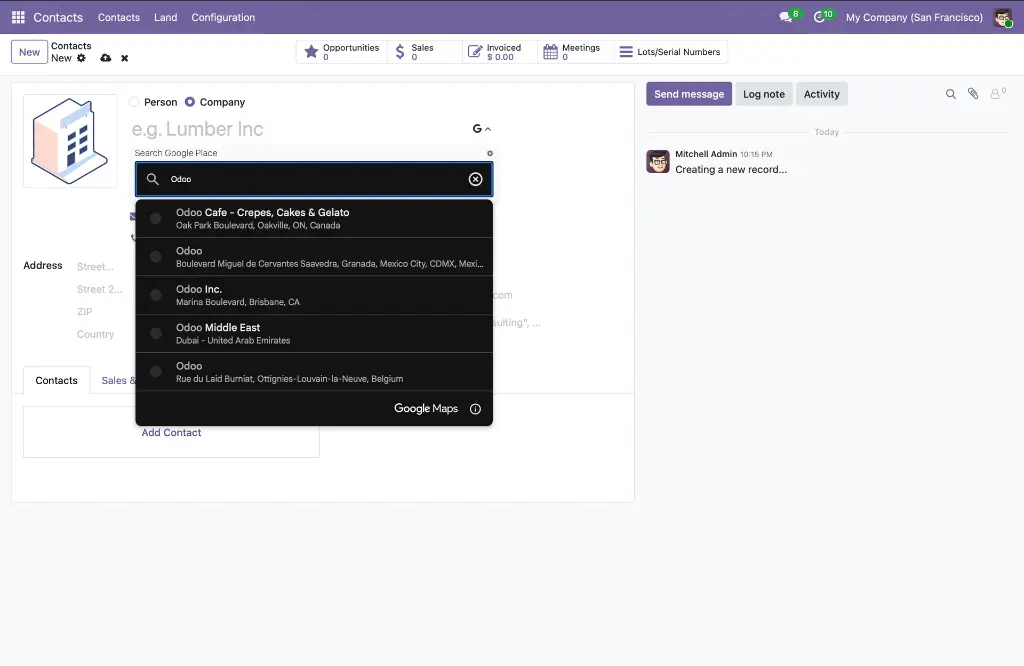
Combines Odoo's built-in partner autocomplete with Google Places autocomplete on the same Contact name field. A collapsible Google Places panel opens via a toggle button, giving users both Odoo's company database lookup and a Google Places search side by side — without removing either. Supports a no_manual_edit option for data-consistency workflows. Applies globally to all res.partner form views without per-module XML changes.
Module dependencies: partner_autocomplete contacts_google_autocomplete
Why It Exists
Odoo's native partner autocomplete and Google Places serve complementary purposes — the former finds existing Odoo records, the latter enriches new ones with verified real-world data. This module makes both available without conflict on every partner form in the system.
MODULE 11 - APPLICATION
CRM Google Maps
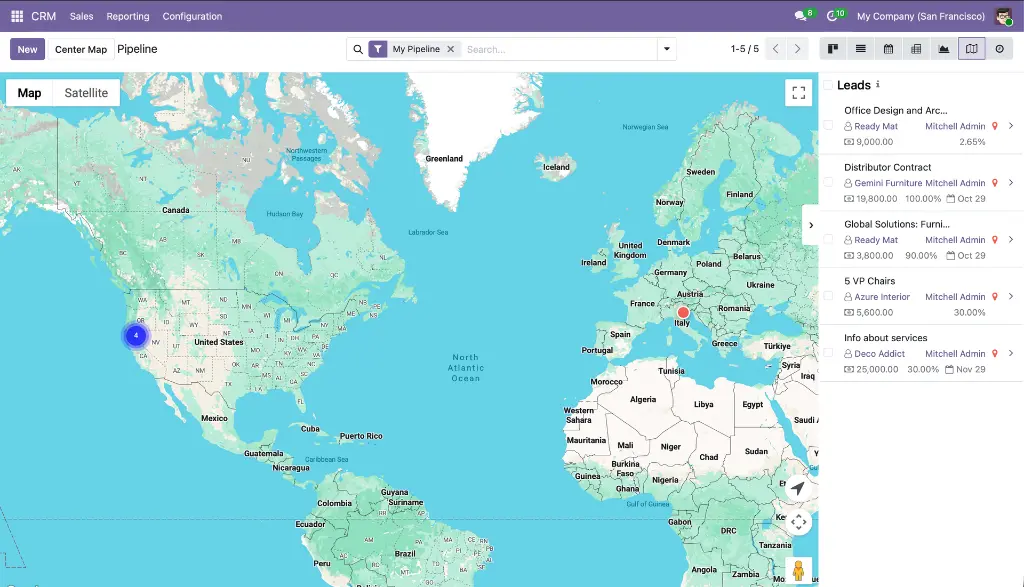
Adds a Google Map view to CRM Leads, Opportunities, My Activities, Pipeline, and Forecast menus. Each lead appears as a custom color-coded marker showing deal name, stage, contact, salesperson, expected revenue, probability, and closing date. Includes overlap handling for co-located leads, a CRM sidebar with revenue and stage, a Geolocation tab on the lead form with embedded map preview, auto-geolocation from linked partner, geocode-from-address button, and a Google Map smart button.
Module dependencies: crm web_view_google_map web_widget_google_map
Why It Exists
Sales pipelines have a geography — territory gaps, visit clusters, and revenue concentrations are invisible in a kanban view. This module makes the geographic distribution of your pipeline immediately visible.
MODULE 12 - APPLICATION
CRM Google Autocomplete
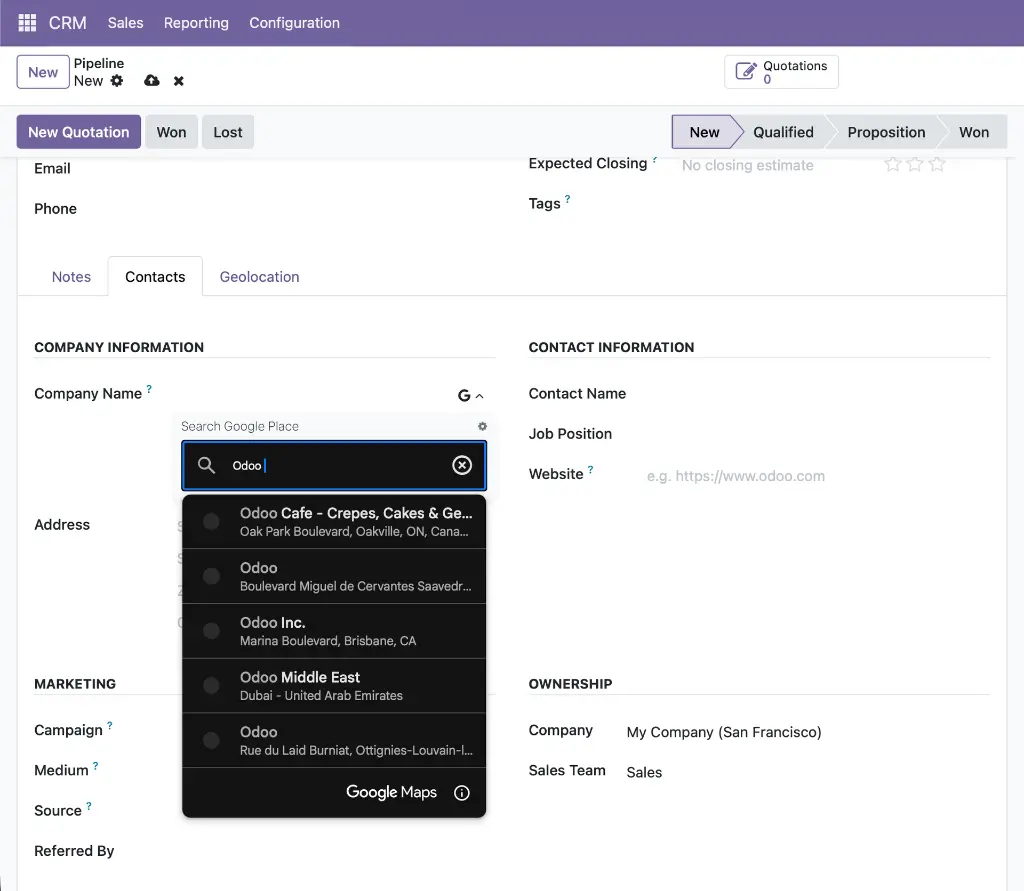
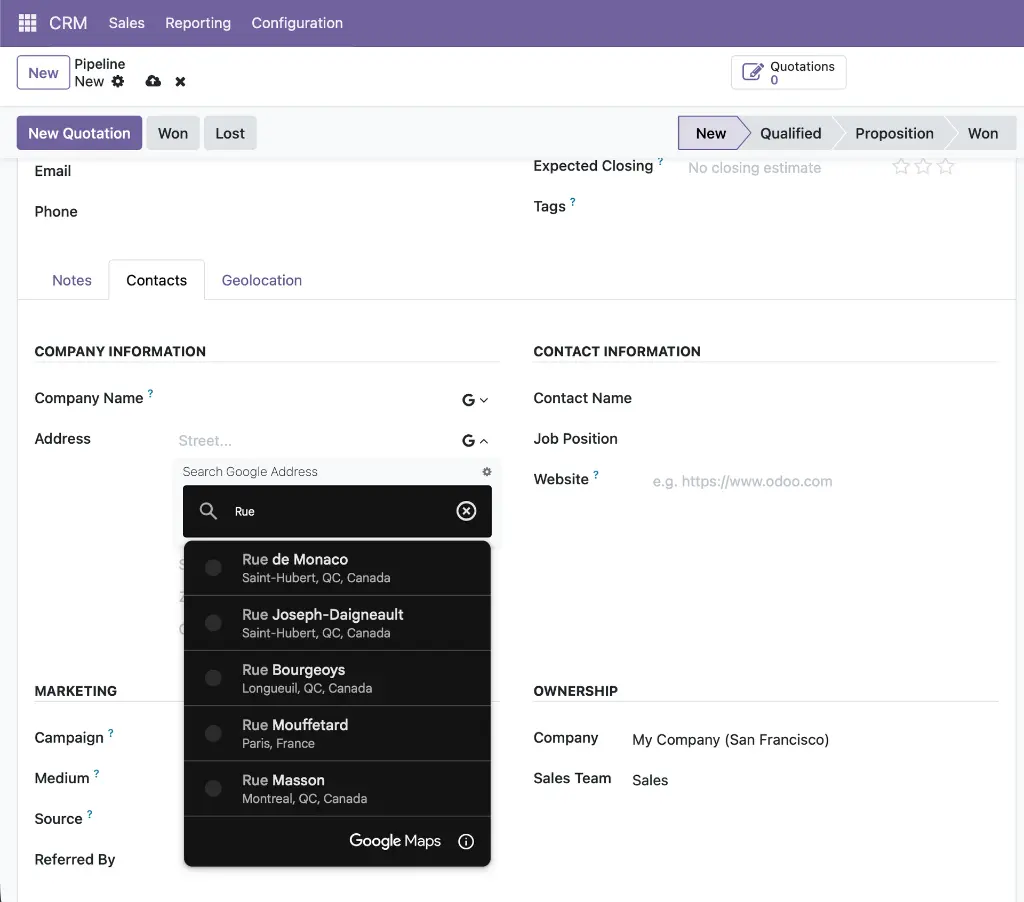
Adds Google Places autocomplete to the Lead/Opportunity form, applied to both the quick-entry group and the detailed lead tab. The company name field uses places mode (also populating phone and website); the street field uses address mode. All address fields and geolocation coordinates are auto-filled on selection so new leads appear on the CRM map immediately without a separate geocoding step.
Module dependencies: crm web_widget_google_place_autocomplete
Why It Exists
Sales reps create leads quickly and often skip address details. Autocomplete removes that friction by filling the entire address and coordinates the moment a company name is selected.
MODULE 13 - APPLICATION
CRM Google Maps: Add Lead from Map Click
Activates click-to-create on the CRM map view. Clicking a named Google Place opens a pre-populated lead form with the opportunity name auto-set as "[Place Name]'s opportunity," contact name, full address, phone, website, and coordinates all pre-filled. Clicking empty map space reverse-geocodes the coordinate. Duplicate detection checks gplace_id on crm.lead. The map auto-refreshes after save.
Module dependencies: web_view_google_map base_google_map_add_place crm_google_map
Why It Exists
Prospecting in a new area is faster when a sales rep can scan the map, click a business, and have a fully pre-populated lead ready to review — without switching apps or typing a single field.
MODULE 14 - APPLICATION
Project Google Maps
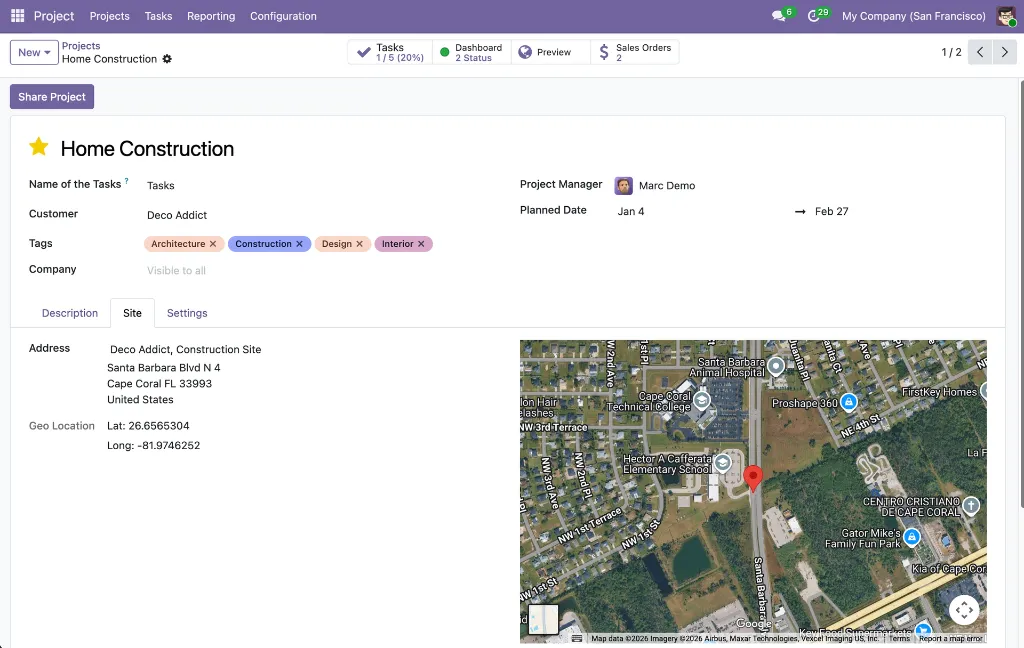
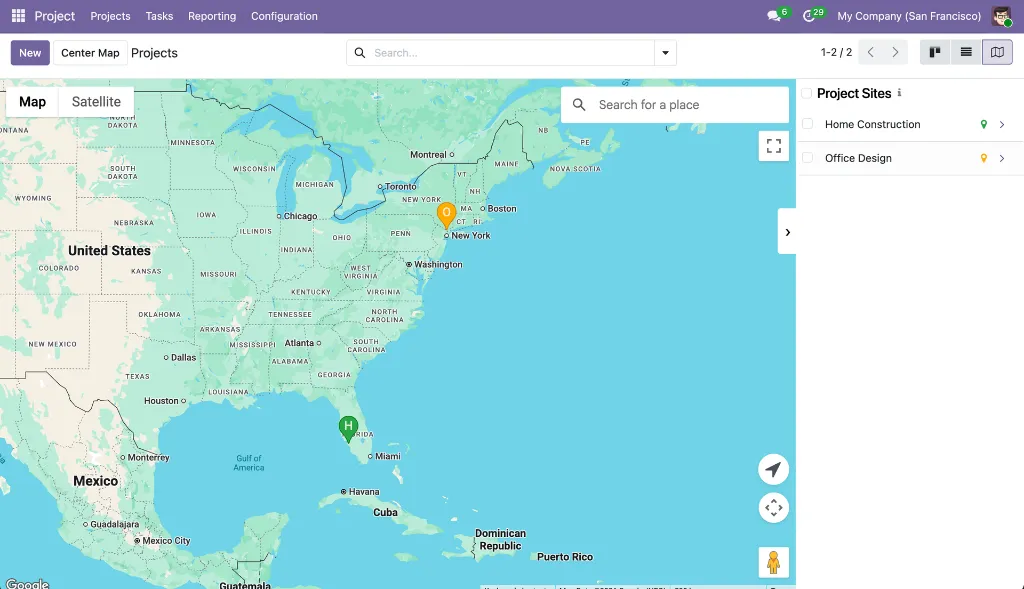
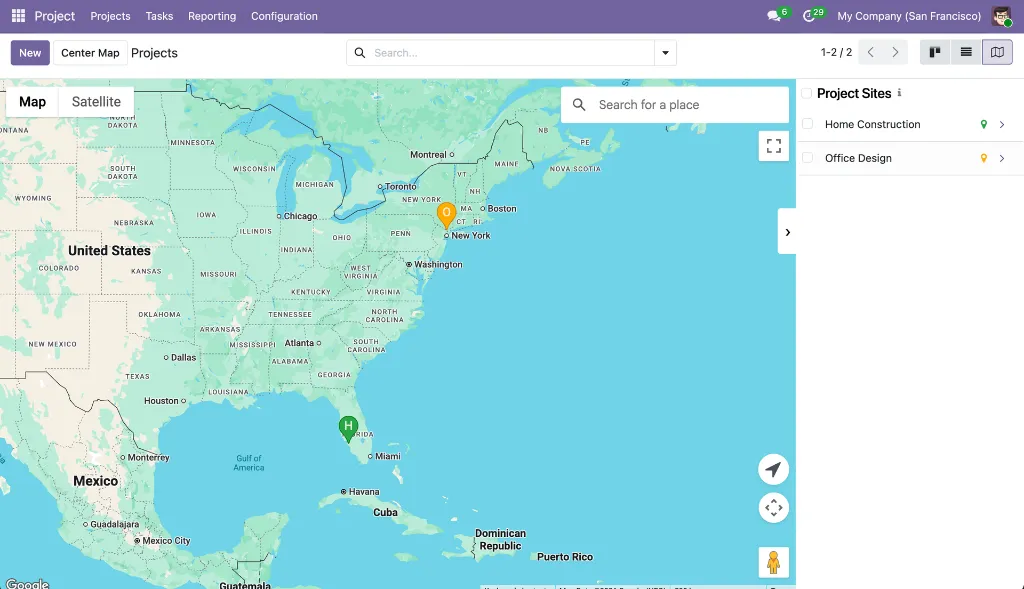
Adds Google Map views to both projects and tasks. Project markers are automatically color-coded by health status (green = on track, orange = at risk, red = off track, cyan = on hold, purple = done, gray = no status). Each project and task can have its own site address linked to a partner record, with an embedded satellite map in the form. Introduces a dedicated "Site" partner type with its own icon to keep site addresses separate from regular contacts.
Module dependencies: project web_view_google_map web_widget_google_map
Why It Exists
Construction, field service, and infrastructure teams manage work that happens at physical locations. This module makes the geographic spread of projects and tasks visible at a glance, with health status instantly readable from marker color alone.
MODULE 15 - APPLICATION
Sales Google Maps
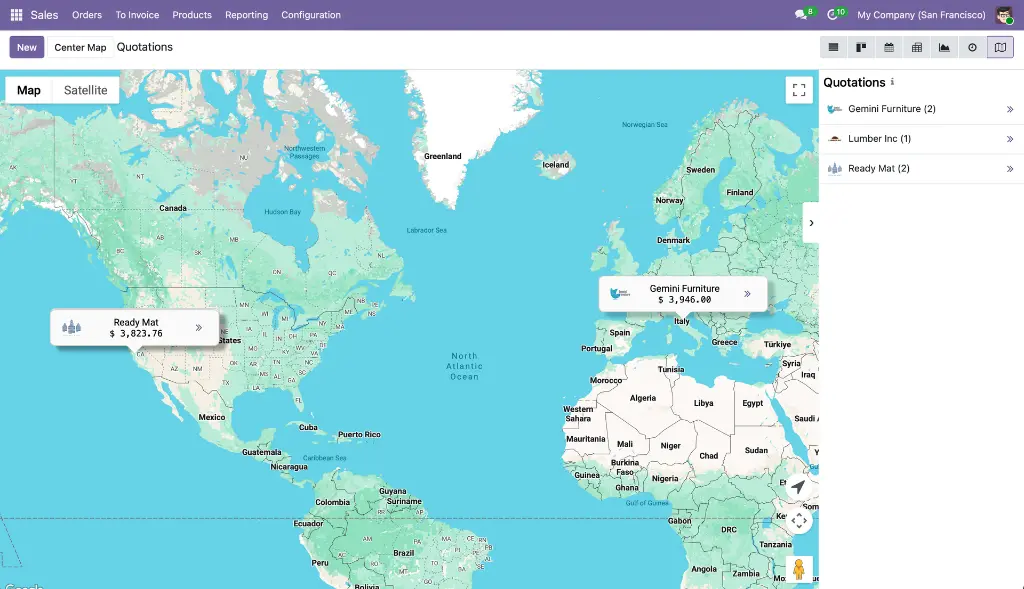
Adds a Google Map view to Quotations, Orders, Orders to Invoice, Orders to Upsell, and Customers lists. Records are grouped by customer — one marker per customer showing name, order count, and aggregated order total with avatar. Includes an "Open Orders" action, a "Find Nearby" proximity search, a sidebar with revenue totals, hover animations, and automatic group loading so all markers appear immediately on open.
Module dependencies: sale_management web_view_google_map
Why It Exists
Revenue has geography. A sales manager should be able to see in seconds which regions generate the most business and where visit opportunities are clustered — without building a custom dashboard.
MODULE 16 - APPLICATION
Delivery Google Maps
Adds a Google Map view to Delivery Orders and all picking lists in Inventory (Deliveries, Ready to Transfer, Waiting Transfer, Late Transfers, Backorders, All Operations). Each picking is plotted as a teal marker at the destination partner's address, pulled directly from the linked partner record — no manual coordinate entry needed on the picking itself. A sidebar lists all pickings with reference and address.
Module dependencies: sale_stock stock_delivery web_view_google_map
Why It Exists
Logistics teams need to see the geographic spread of pending deliveries to plan routes and spot gaps. This module provides that view with zero additional data entry — coordinates come from partner records already in Odoo.