Who it's for
Built for Odoo implementers and businesses that need geographic context as part of their daily operations — not as a one-off visualization, but woven into their existing Odoo workflows.
Odoo Developers
Developers extending Odoo with custom models that need map views, drawing widgets, or route planning. The layered architecture means you extend existing base classes rather than building from scratch — standard XML view configuration, OWL components, and documented mixins.
Logistics & Field Operations
Businesses running deliveries, service technicians, or sales visits where drivers or field staff need structured route plans, real-time stop updates, and clear documentation — all tied back to Odoo inventory and fleet records without a separate dispatch system.
Territory & Area Managers
Teams that define, visualize, and manage geographic boundaries — sales territories, service zones, property parcels, or coverage areas — stored as GeoJSON directly in Odoo records with automatic area and perimeter calculations, no GIS expertise required.
The Problem it solves
This suite brings Mapbox GL JS deeply into Odoo — not as a standalone viewer, but as a native part of your records, workflows, and user interfaces. Four areas are covered.
Rich map views for any Odoo model
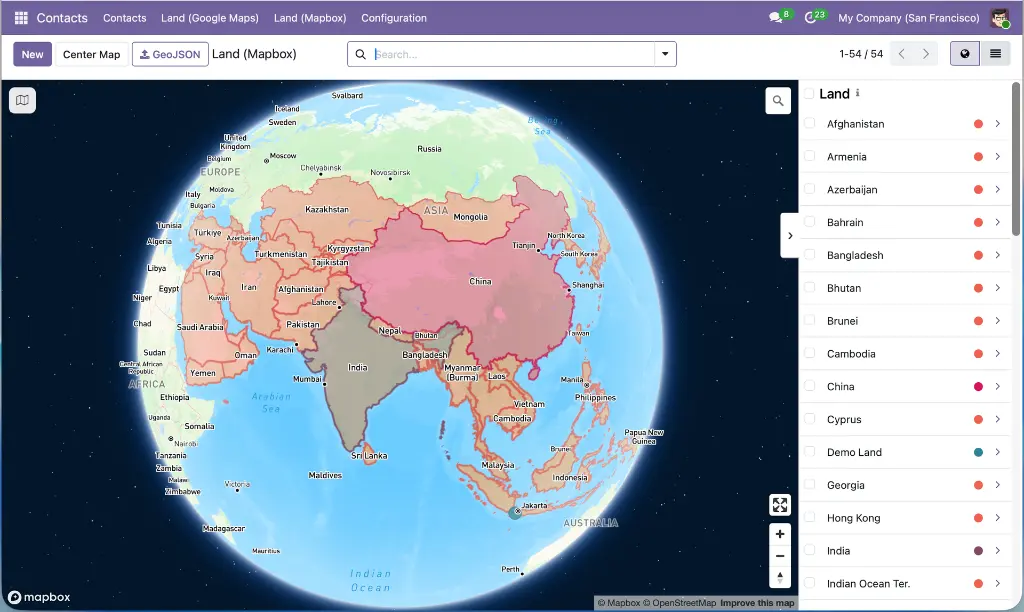
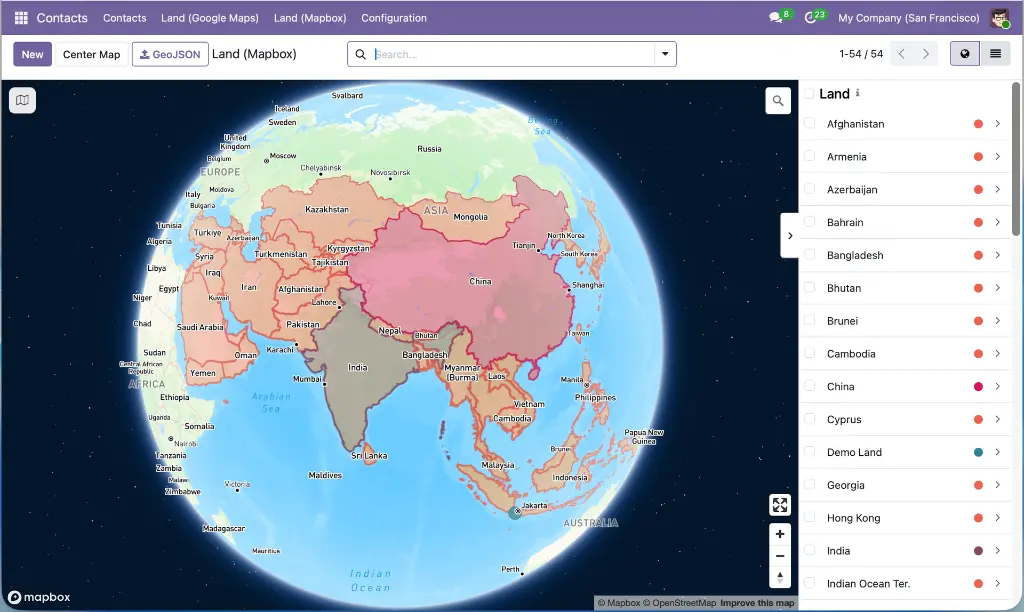
GeoJSON shapes and lat/lng coordinates are stored as fields on Odoo models and rendered on interactive Mapbox maps — with automatic geodesic measurements, color coding, marker clustering, overlap handling, and full record synchronization. Any model with geographic data can have a map view with a single XML definition.
GeoJSON drawing inside form views
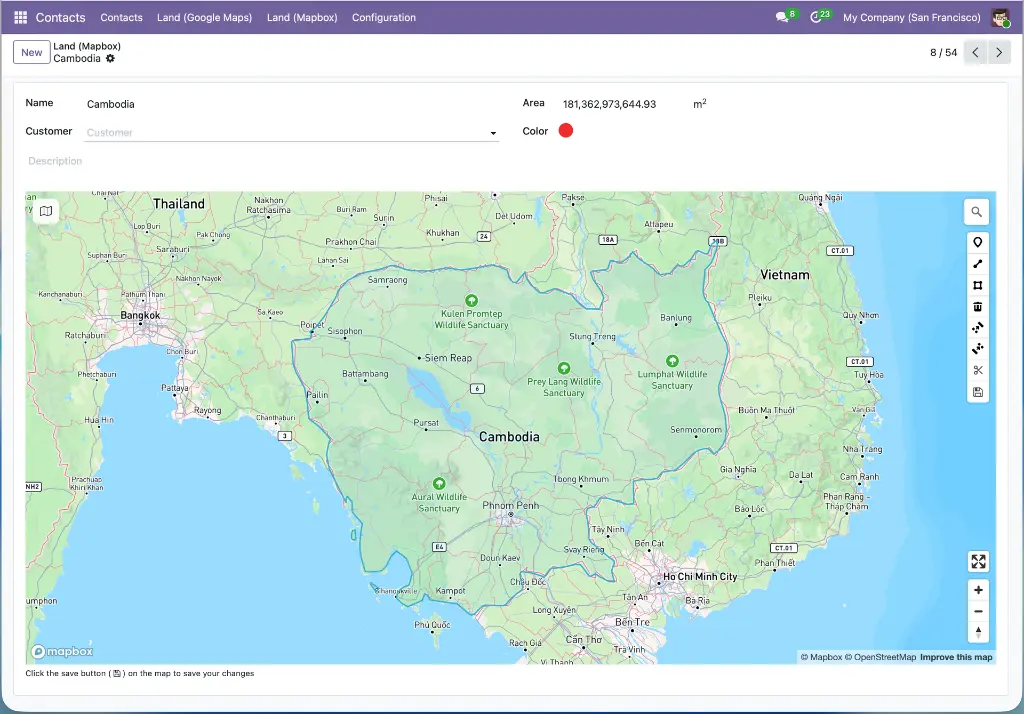
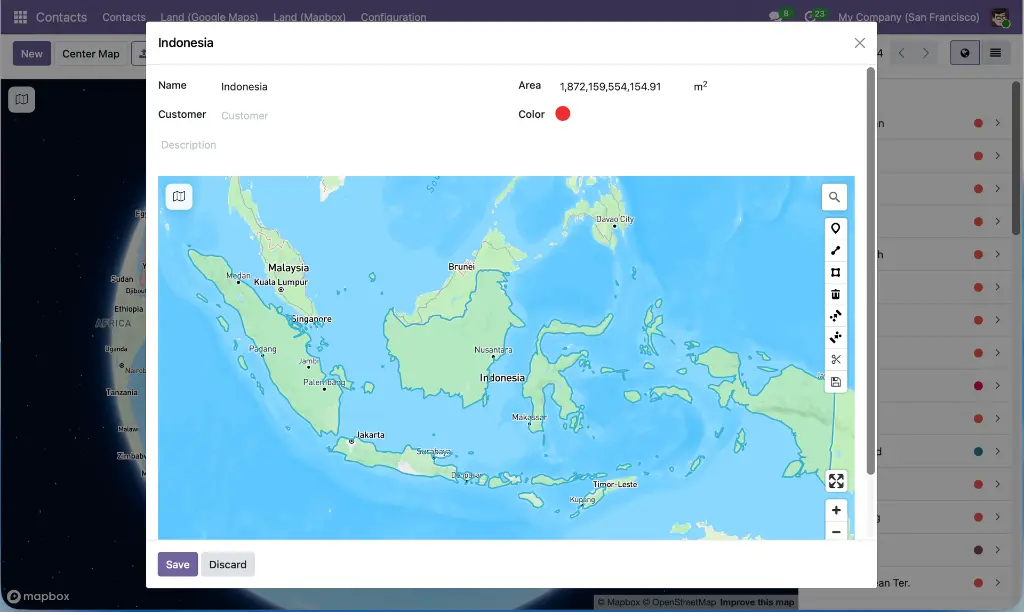
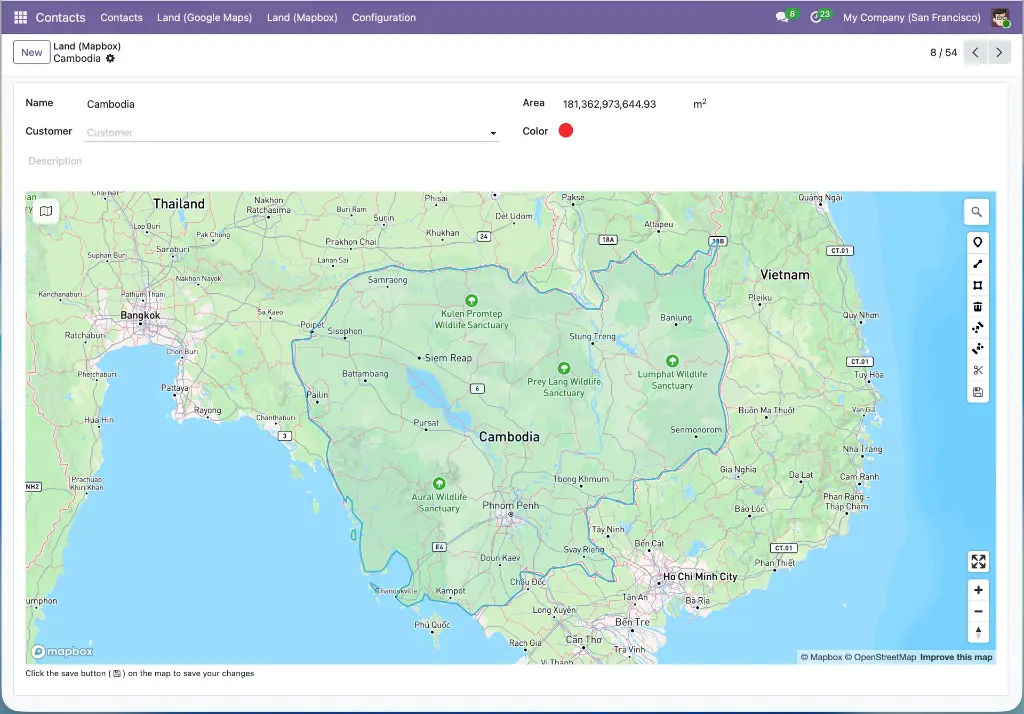
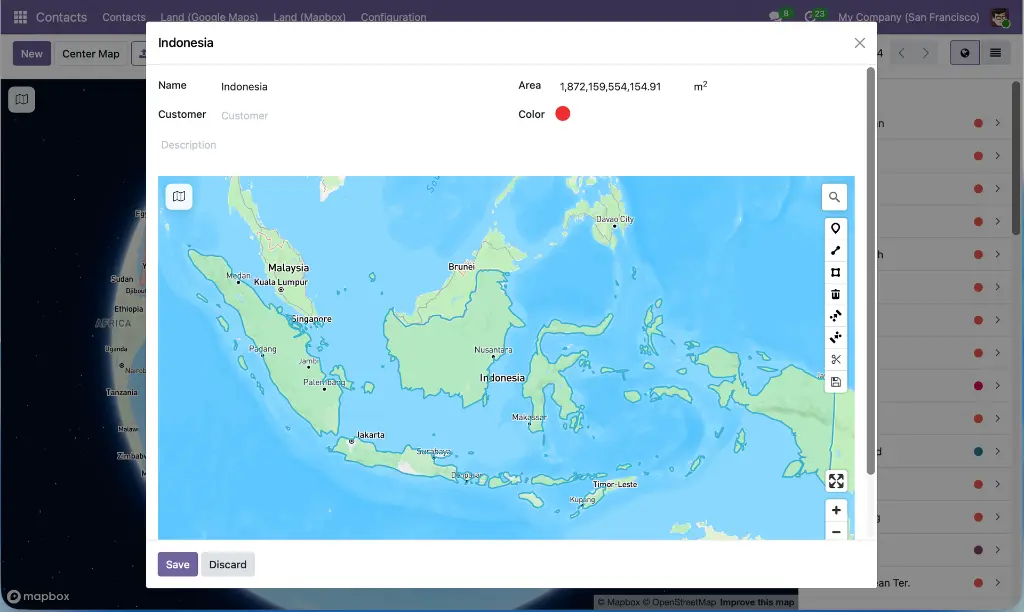
A form field widget lets users draw and edit geographic shapes — polygons, lines, points, circles, and territory cuts — directly on an embedded map without leaving the record. Changes are committed explicitly with a Save button, area is calculated automatically via Turf.js, and the geometry is stored as a standard JSON field accessible through the Odoo ORM.
End-to-end route planning and dispatch
A complete route planning application — from batch transfer to driver portal — built entirely inside Odoo. Routes are generated from batch transfers in one click, optimized via the Mapbox Directions or Optimization API, and dispatched to drivers through a mobile-friendly portal where they can update stop status, add notes, and download PDF manifests, with every action logged back to the chatter.
A reusable foundation for custom modules
The layered architecture means any custom Odoo module can inherit token management, library loading, record synchronization, sidebar navigation, multi-selection, and performance optimizations simply by extending the base classes. New map-enabled features are built by focusing on their own logic — not by rebuilding the map infrastructure from scratch each time.
Design Principle
Each layer builds on the one below — no module reimplements map rendering or library loading. Dependencies are resolved automatically by Odoo.
Layer 1 | base_mapbox_gl |
Layer 2 | web_view_base_mapbox_gl web_widget_mapbox_gl |
Layer 3 | web_view_mapbox_gl_draw web_view_mapbox_gl_geolocate web_view_list_with_mapbox_gl route_planner route_planner_mapbox_gl delivery_route_planner_mapbox_gl website_route_planner_mapbox_gl website_delivery_route_planner_mapbox_gl contacts_mapbox_gl contacts_route_planner_mapbox_gl |
What's included -- all modules
13 modules covering every aspect of Mapbox integration in Odoo.
INFRASTRUCTURE
Base Mapbox GL JS
base_mapbox_gl
Root configuration module. Access token management, 10 map styles, 8 projections, 35+ languages, geocoding provider, bundled libraries, and shared OWL components inherited by all other modules.
Web View Base Mapbox GL
web_view_base_mapbox_gl
Abstract MVC base for all map views. Provides controller, model, renderer, record sidebar, map–record sync, grouping, multi-selection, pager, action menus, and performance optimizations.
Mapbox GL Drawing Widget
web_widget_mapbox_gl
Form field widget for drawing GeoJSON in forms. Points, lines, polygons, circle drawing, polygon cut, combine/uncombine, area auto-calculation, GeoJSON import/export, explicit save flow.
Mapbox GL Draw View
web_view_mapbox_gl_draw
Map view for records with GeoJSON geometry fields. Renders all 7 GeoJSON types, auto-calculates area/perimeter/length via Turf.js, color coding, SearchableJson JSONB field, animated bounds fitting.
Mapbox GL Geolocate View
web_view_mapbox_gl_geolocate
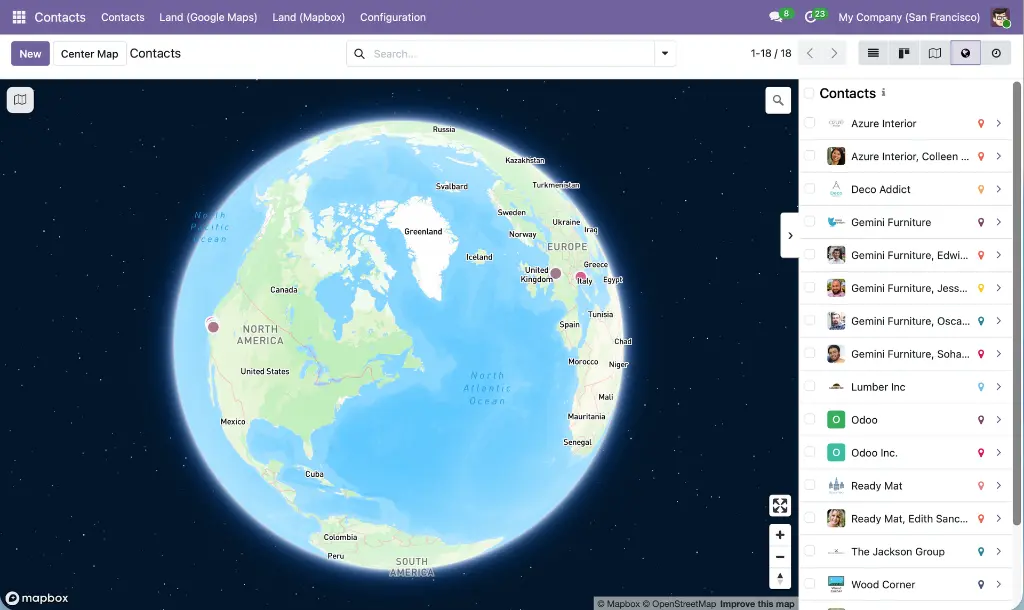
Map view for lat/lng coordinate fields. Smart ~10 m overlap distribution with dotted connection lines, color-coded markers, optional heatmap (zoom 0–9) or clustering, multi-selection.
List with Mapbox GL
web_view_list_with_mapbox_gl
Split-screen X2many widget: editable stop list + live route map. Directions or Optimization API, drag-and-drop reorder, per-stop distance/duration, route exclusions, round-trip, GeoJSON/Google Maps export.
ROUTE PLANNING
Route Planner
route_planner
Base application with no Mapbox dependency. Five-state lifecycle, configurable route types, vehicle/driver assignment, per-stop notes and status, built-in TSP algorithms (nearest-neighbor + 2-opt), role-based access control.
Route Planner with Mapbox GL
route_planner_mapbox_gl
Extends the Route Planner with the split-screen map, Directions/Optimization API route calculation, Optimize Route button (Matrix API + TSP), per-stop distance and duration, route exclusions, round-trip.
Delivery Route Planner
delivery_route_planner_mapbox_gl
One-click route generation from batch transfers. Smart stop grouping by customer, per-stop weight/volume aggregation, bidirectional traceability (batch ↔ route ↔ pickings), location address hierarchy resolution.
Route Planner Portal
website_route_planner_mapbox_gl
Mobile-friendly driver portal. Kanban dashboard, interactive route map, start/complete route, per-stop status & notes (required on skip), animated segment highlight, geolocation, dark/light theme, review mode, token-based URLs.
Delivery Portal Extension
website_delivery_route_planner_mapbox_gl
Extends the driver portal for delivery routes. PDF delivery manifest button on route cards and map view, picking reference badges per stop, stop-level picking association with no cross-contamination.
CONTACTS
Contacts Map View
contacts_mapbox_gl
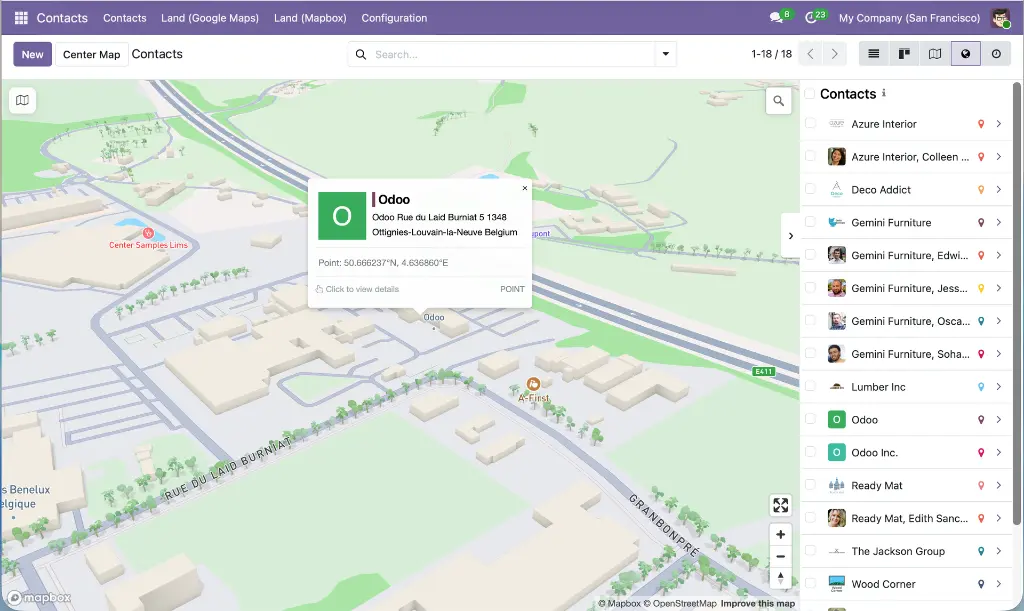
Map view in the Contacts application. Contact avatars in sidebar and marker popups, formatted address display, custom per-contact marker colors, clustering, overlap separation with dotted lines, box-zoom/Shift+Click selection.
Route Planner from Contacts
contacts_route_planner_mapbox_gl
Action on Contacts list and map views. Selected contacts become pre-ordered waypoints (first = departure). Wizard with drag-and-drop reorder, duplicate coordinate detection, 2–25 stop validation, Customer Visit route type.